
7 Easy Steps: How to Switch From Cable to Streaming
February 25, 2026
7 Easy Steps: How to Switch From Cable to Streaming (Using MyBundleTV to Guide You)
Learn exactly how to switch from cable to streaming in Alpena and Northeast Michigan. This guide walks you through cutting the cord, choosing the right streaming services, and using MyBundleTV to make the switch simple.
Switching from cable TV to streaming doesn’t have to feel overwhelming. In fact, more households in Alpena and surrounding communities are making the move because streaming offers more flexibility, lower monthly costs, and a wider variety of shows and movies. The key is understanding the steps involved and knowing what tools can help you make a smooth transition. That’s where this guide comes in.
Whether you’re tired of expensive cable boxes, confused by different channel packages, or just wanting a simpler setup, learning how to switch from cable to streaming can save you time, money, and frustration. With the right internet connection and a little guidance, anyone can make the switch confidently—even if you’re not a tech expert.
1. Make Sure Your Internet Is Ready for Streaming
Before switching from cable to streaming, check that your internet connection is strong and stable enough to support streaming video. Most streaming issues happen because of weak Wi‑Fi or outdated internet plans, not because of the apps themselves.
Recommended speeds:
- HD streaming: 10–15 Mbps
- 4K streaming: 25 Mbps
- Multiple TVs: 100 Mbps+
- Best reliability: Fiber internet
Fiber internet is ideal because it maintains consistent speeds throughout the day, even during the busiest evening hours. That means less buffering, reliable picture quality, and smoother performance on all your devices—not just your TV.
2. Decide What You Watch Most
The next step in learning how to switch from cable to streaming is figuring out what you actually watch. Cable gives you hundreds of channels you never use. Streaming is different—you choose what you want.
Live TV + Local Channels
- YouTube TV
- Hulu + Live TV
- Local network apps (varies by region)
Sports
- ESPN+
- Fubo
- YouTube TV
- NFL+, NBA League Pass, MLB.TV
Movies + Series
- Netflix
- Disney+
- Max
- Hulu
- Paramount+
By identifying your viewing habits, you can build a lineup that fits your family without paying for unnecessary content.
3. Use MyBundleTV to Match Channels With Streaming Apps
Streaming can feel confusing if you don’t know which apps carry your favorite channels. That’s why MyBundleTV is a game‑changer.
MyBundleTV asks you what you like to watch and instantly recommends the apps that include your must‑have channels. This saves you the hassle of researching each service on your own.
MyBundleTV Helps You:
- Match cable channels to streaming apps
- Compare prices across services
- Avoid paying for extra subscriptions
- Build a custom streaming setup
- Keep your monthly bill organized
Most people find they save a significant amount after switching because they only pay for what they use.
4. Choose Your Streaming Device
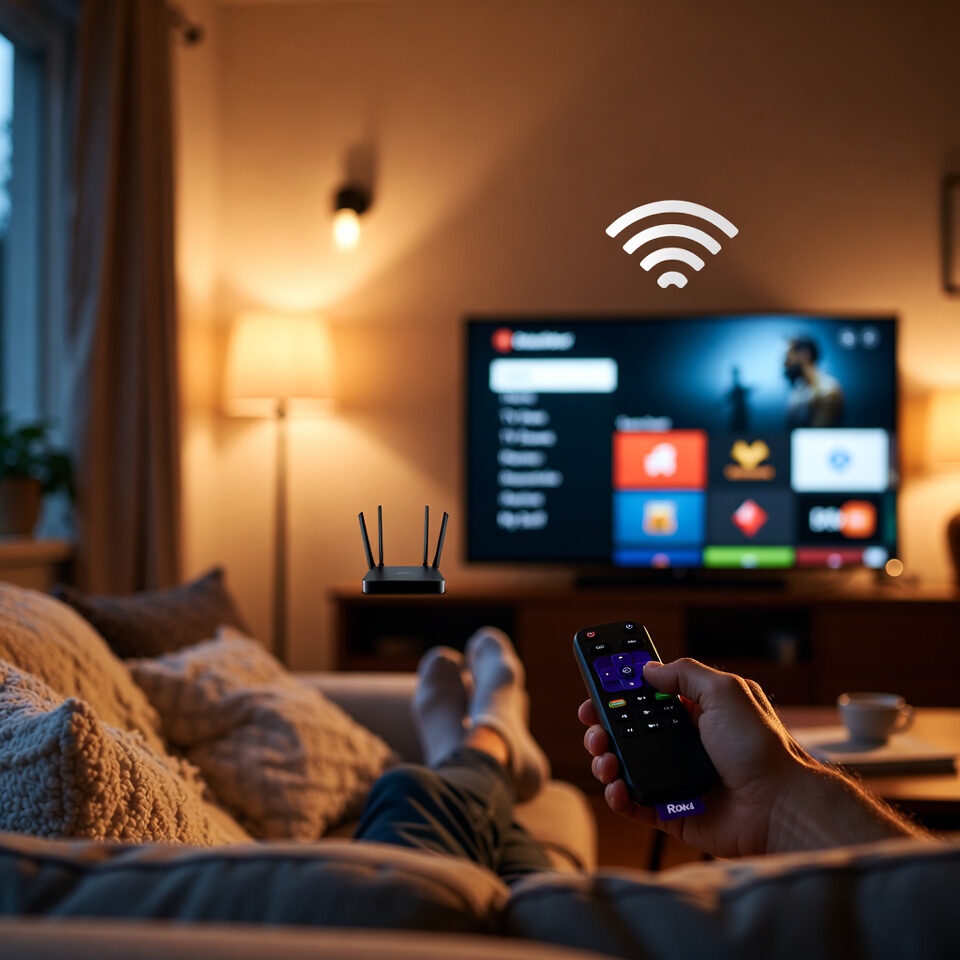
Once you know what you’ll be watching, you need a device to access the apps. Most modern smart TVs already include the major streaming platforms, but if yours doesn’t, a simple streaming device will do the job.
Popular options:
- Roku
- Amazon Fire TV Stick
- Apple TV 4K
- Google Chromecast with Google TV
These devices are simple to set up, affordable, and responsive. Many Alpena households prefer Roku for its user‑friendly interface.
5. Set Up Your Streaming Accounts
After setting up your device, download your chosen apps and sign in. Most homes start with a few core services.
Common Starter Bundle
- YouTube TV
- Netflix
- Disney+
Streaming services don’t require contracts, so you can add or remove apps anytime—perfect for adapting your lineup as your viewing habits change.
6. Cancel Your Cable TV Service
Once your streaming setup is working well, it’s safe to cancel cable. Before making the call:
- Return cable boxes
- Return DVR equipment
- Check whether removing TV service changes your bill
7. Enjoy Your New Streaming Setup
By learning how to switch from cable to streaming, you’ll enjoy:
- Lower monthly costs
- Better picture quality
- No equipment rental fees
- Total viewing flexibility
- Watch anywhere, anytime
With a reliable fiber connection, streaming becomes fast, smooth, and frustration‑free.
Final Thoughts
Switching from cable to streaming is one of the easiest ways to modernize your home entertainment setup. Tools like MyBundleTV make the process simple, and fiber internet ensures you get the best performance possible. If you need help choosing devices, improving Wi‑Fi, or setting up your home network, the local team at Lakeshore Fiber is always here to help.