
5 Powerful eero Security Features to Protect Your Home & Business Wi-Fi
January 22, 2026
Eero Security: Protecting Your Home and Business Wi-Fi
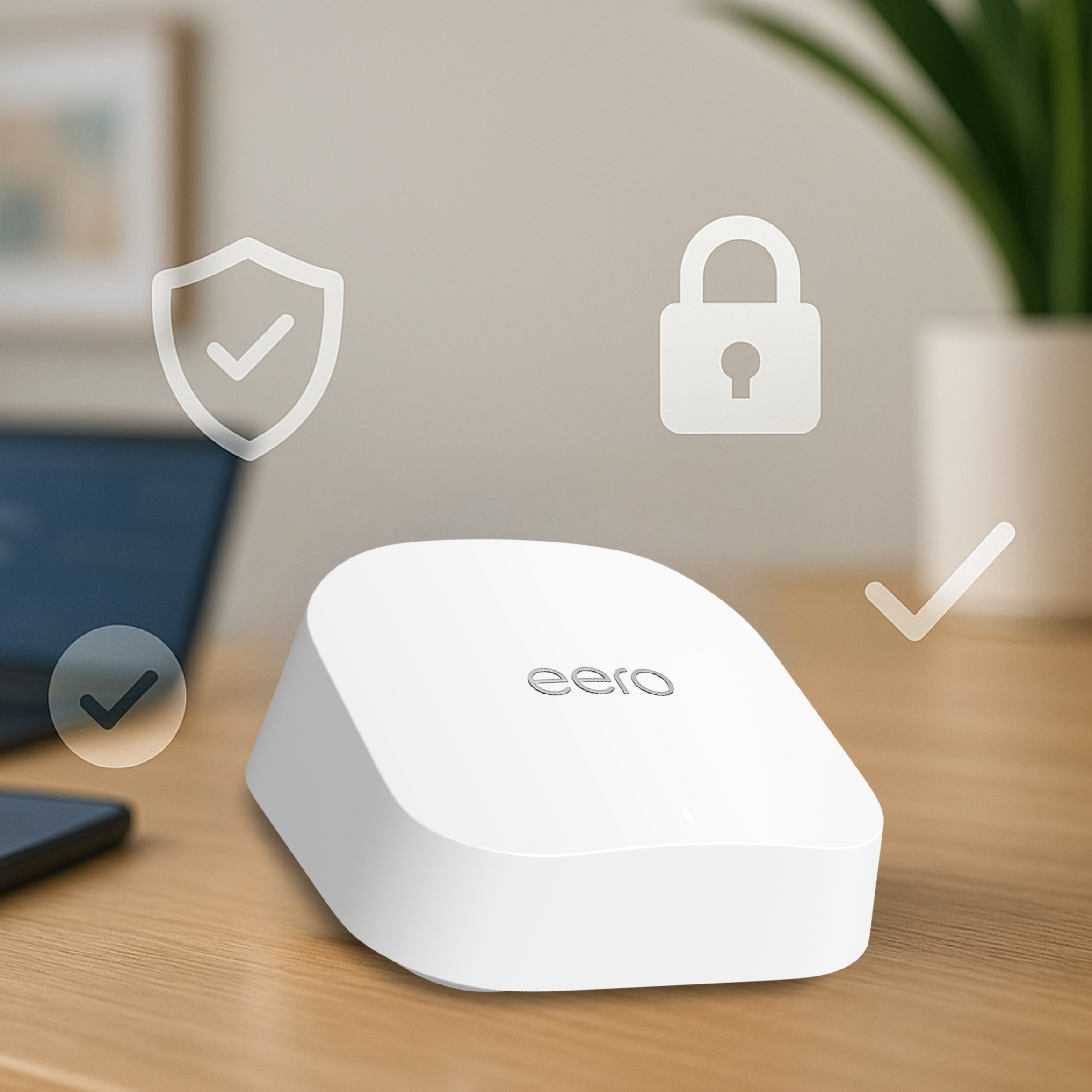
Eero Security Features are changing the way we protect our home and business networks. If you’ve ever wondered how secure your Wi-Fi really is, this guide explains why eero is the smarter choice for modern connectivity.
When it comes to internet security, most people think about strong passwords and antivirus software—but your Wi-Fi network is just as important. At Lakeshore Fiber, we recommend eero mesh systems not only for their excellent coverage but also for their built-in security features that keep your devices and data safe.
Whether you’re at home or running a small business, here’s why eero security is a smart choice.
1. Automatic Security Updates
One of the biggest advantages of eero is that it updates itself automatically. Traditional routers often require manual firmware updates, which many users forget to do. Outdated software can leave your network vulnerable to hackers. With eero, updates happen in the background, so your system is always running the latest security patches—no effort required. Learn more from the Cybersecurity & Infrastructure Security Agency (CISA).
2. Advanced Threat Protection
Eero offers network-level protection against malicious websites and potential threats. This means if someone in your household accidentally clicks on a suspicious link, eero can block the connection before harm is done. It’s like having a digital security guard for your entire network—ideal for homes and businesses alike. For more on network-level protection, check out this network security best practices article.
3. Parental Controls and Content Filtering
For families, eero makes it easy to manage what kids can access online. You can:
- Block adult content
- Pause the internet during homework or family time
- Set schedules for devices
These features help create a safer, more balanced online experience for everyone at home. For more information check out this Ultimate Guide to Parental Controls.
4. Guest Network for Visitors
Ever worry about giving out your Wi-Fi password? Eero lets you create a secure guest network so visitors can connect without accessing your main devices. This keeps your smart home gadgets and personal data protected.
5. eero Secure and Secure+
For those who want extra protection, eero offers subscription plans:
- eero Secure adds advanced content filtering, ad blocking, and activity insights.
- eero Secure+ includes premium tools like 1Password for password management, Encrypt.me VPN, and Malwarebytes for device-level protection.
These options are perfect for small businesses or anyone who wants top-tier security without juggling multiple apps. Learn more about eero secure.
How Does eero Compare to Traditional Routers?
| Feature | Traditional Router | eero Mesh System |
|---|---|---|
| Security Updates | Manual, often overlooked | Automatic, always up-to-date |
| Threat Protection | Limited or requires extra software | Built-in network-level protection |
| Parental Controls | Basic, sometimes hard to configure | Easy-to-use app with scheduling options |
| Coverage | Single point, prone to dead zones | Whole-home mesh coverage |
| Guest Network | Available but basic | Simple setup, secure isolation |
| Extra Security Tools | Requires separate subscriptions | Bundled with eero Secure+ |
Bottom line: Traditional routers can leave gaps in both coverage and security. Eero combines strong Wi-Fi performance with advanced protection, making it a smarter choice for modern homes and businesses.
FAQ: eero Security
Q1: Do I need eero Secure to stay protected?
No—every eero system includes basic security features like automatic updates and threat protection. However, eero Secure adds extra tools like ad blocking and content filtering for families, while Secure+ offers premium apps for advanced protection.
No—every eero system includes basic security features like automatic updates and threat protection. However, eero Secure adds extra tools like ad blocking and content filtering for families, while Secure+ offers premium apps for advanced protection.
Q2: Is eero good for small businesses?
Absolutely. Eero’s mesh coverage ensures reliable connectivity, and its security features help protect sensitive data. Secure+ is especially useful for businesses because it includes VPN and password management tools.
Absolutely. Eero’s mesh coverage ensures reliable connectivity, and its security features help protect sensitive data. Secure+ is especially useful for businesses because it includes VPN and password management tools.
Q3: How often does eero update its security?
Eero updates automatically and frequently, so you never have to worry about outdated firmware or vulnerabilities.
Eero updates automatically and frequently, so you never have to worry about outdated firmware or vulnerabilities.
Q4: Can I control eero security settings easily?
Yes! Everything is managed through the eero app, which is user-friendly and allows you to adjust settings, monitor activity, and set parental controls in seconds.
Yes! Everything is managed through the eero app, which is user-friendly and allows you to adjust settings, monitor activity, and set parental controls in seconds.
Q5: Does eero replace antivirus software?
Not entirely. Eero protects your network from many threats, but device-level antivirus is still recommended for full protection. Secure+ includes Malwarebytes for this purpose.
Not entirely. Eero protects your network from many threats, but device-level antivirus is still recommended for full protection. Secure+ includes Malwarebytes for this purpose.
Why This Matters for Homes and Businesses
Cybersecurity isn’t just for big corporations—home networks are a prime target for hackers. With more smart devices and remote work setups, protecting your Wi-Fi is essential. Eero’s security features give you peace of mind without the hassle of complicated setups.
Ready to upgrade your home or business network? Lakeshore Fiber can help you choose the right eero system and get it installed quickly. Contact us today to learn more about how fiber internet and eero security can keep you connected—and protected.