
Why Is My Internet So Slow? 15 Easy Fixes That Actually Work With Gig-Speed Fiber
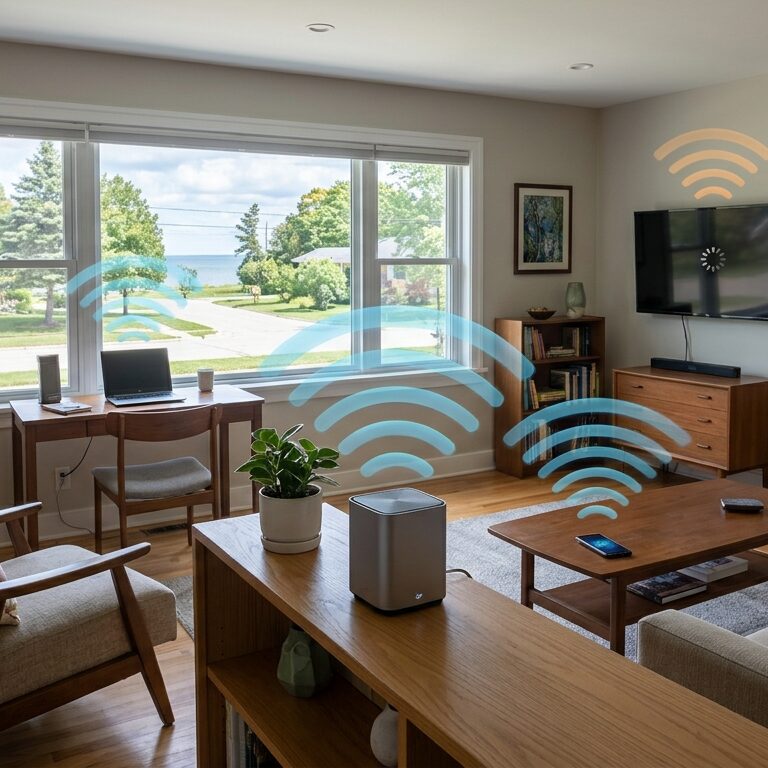
November 11, 2026
Why Is My Internet So Slow? 15 Common Causes and Fixes
Why is my internet so slow? It’s one of the most common questions we hear from homeowners throughout Alpena and Northeast Michigan.
Many people assume slow internet means they need a faster internet package. However, for Lakeshore Fiber customers with our 1 Gig fiber service, that’s rarely the issue. In fact, most speed complaints are caused by Wi‑Fi coverage, router placement, device limitations, or home network issues rather than a lack of internet bandwidth.
1. You’re Actually Experiencing a Wi-Fi Problem
This is the number one culprit.
Many people assume slow Wi-Fi means slow internet, but the two are different.
At Lakeshore Fiber, we often find that customers receiving full gigabit service are simply too far away from their router or dealing with wireless interference.
Try This:
- Move closer to your router.
- Run a speed test near the router.
- Compare speeds in different rooms.
If speeds improve dramatically as you move closer, the issue is likely Wi-Fi coverage rather than your fiber connection.
2. Your Router Is in the Wrong Place
A router hidden in a basement corner, cabinet, or utility room can’t provide strong coverage throughout the home.
Best Placement:
- Near the center of your home
- Elevated off the floor
- Out in the open
- Away from metal objects and large appliances
We’ve seen customers double their Wi-Fi performance simply by relocating their router.
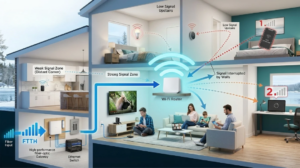
Even with gig-speed fiber internet, Wi‑Fi coverage, router placement, and connected devices can affect performance throughout your home.
3. Your Home Is Too Large for a Single Router
Gig-speed internet can only help if the signal reaches your devices.
Large homes, older homes with plaster walls, and multi-story layouts frequently create dead zones.
Fix:
A mesh Wi-Fi system can extend coverage throughout the home and provide a stronger signal in difficult areas.
If you’re looking to improve your home’s wireless coverage, check out our guide to mesh Wi‑Fi systems.
4. Your Device Is the Bottleneck
Not every device can take advantage of gig-speed internet.
Older:
- Laptops
- Smartphones
- Tablets
- Streaming devices
may have outdated Wi-Fi technology that limits performance.
Fix:
Test multiple devices before assuming the connection is the problem.
5. Too Many Devices Are Active at the Same Time
A gig connection can support a tremendous amount of activity, but if several devices are simultaneously:
- Downloading large files
- Backing up photos
- Streaming 4K video
- Updating games
you may notice temporary slowdowns on certain devices.
Fortunately, this is much less common on a fiber network than with lower-speed connections.
Not sure what speed internet plan you need? Learn more – Fiber Internet Speed Guide: Ultimate Tips for Choosing the Right 1 Gig, 2 Gig, 5 Gig & 7 Gig Fiber Plan
6. Your Router Needs a Restart
Routers are computers, and computers occasionally need reboots.
Fix:
Unplug the router for 30 seconds and reconnect it.
It’s simple, but it solves more issues than most people expect.
7. Interference Is Hurting Your Wi-Fi
Wi-Fi signals compete with:
- Neighboring networks
- Baby monitors
- Cordless phones
- Some smart home equipment
Fix:
Modern routers can automatically select better channels, but an updated router or mesh system may significantly improve reliability.
8. Your Router Is Outdated
We’ve encountered homes with blazing-fast fiber service connected to routers that are eight or ten years old.
That’s like putting race-car fuel into a lawn mower.
Fix:
Use modern equipment that supports current Wi-Fi standards such as Wi-Fi 6.
9. Background Updates Are Consuming Bandwidth
Gaming consoles, cloud backup software, phones, and PCs frequently download updates automatically.
Fix:
Check for active downloads before assuming something is wrong with your internet.
10. Browser Problems Can Look Like Internet Problems
A cluttered browser can make web pages load slowly even on a fast connection.
Fix:
- Clear cache
- Remove unused extensions
- Update your browser
11. Malware Is Slowing Things Down
Infected devices often generate background traffic and consume resources.
Fix:
Run antivirus scans and keep your operating system updated.
12. VPNs Can Reduce Speeds
VPNs add encryption and additional routing, which can decrease performance.
Fix:
Run a speed test with and without the VPN enabled.
13. Streaming Devices Need Better Wi-Fi Coverage
A TV on the opposite side of the house from the router may struggle despite having gig-speed fiber available.
Fix:
Improve Wi-Fi coverage or connect with Ethernet when possible.
14. Bad Cables or Hardware
Loose Ethernet cables and aging networking equipment can create frustrating speed issues.
Fix:
Inspect connections and replace damaged hardware.
15. Service Outages and Equipment Issues
Occasionally, there may be a network interruption or equipment problem.
Fix:
Restart your equipment and contact support if multiple devices suddenly experience the same issue.
A Quick Reality Check for Fiber Customers
If you have Lakeshore Fiber’s 1 Gig service, your internet connection likely has far more capacity than most households use on a daily basis.
For perspective:
- Multiple 4K streams typically use only a fraction of a gigabit connection.
- Video calls require relatively little bandwidth.
- Online gaming generally uses far less bandwidth than people assume.
- Most slowdowns are caused by Wi-Fi coverage, device limitations, or home network issues.
That’s why when customers call us about speed concerns, we don’t just look at the internet connection. We help identify what’s happening throughout the entire home network.
Need Help Improving Your Home Wi-Fi?
At Lakeshore Fiber, we don’t believe internet service ends at the fiber line coming into your home.
Whether you’re working remotely, gaming online, streaming in multiple rooms, or managing dozens of smart devices, our team helps customers throughout Alpena and Northeast Michigan get the most out of their connection.
If you’re experiencing slow speeds, buffering, dead zones, or unreliable Wi-Fi, we’re happy to help determine whether the issue is your router, your Wi-Fi coverage, your devices, or something else entirely.
Because sometimes the solution isn’t more speed. It’s making sure you’re getting the full benefit of the gig-speed fiber service you already have.
SEO Title: Why Is My Internet So Slow? 15 Common Causes (Even with Gig-Speed Fiber)
Meta Description: Have gig-speed fiber but still dealing with slow internet? Learn 15 common causes of slow Wi-Fi, buffering, and lag, plus expert troubleshooting tips from Lakeshore Fiber in Alpena, Michigan.