
10 Smart Back-to-School Internet Checklist Tips for a Successful School Year
September 4, 2026
Back-to-School Internet Checklist for Northern Michigan Families
A Back-to-School Internet Checklist can help Northern Michigan families avoid slow speeds, weak Wi-Fi signals, and connectivity problems once classes begin.
As students head back to school, dependable internet has become just as important as notebooks, backpacks, and school supplies.
From online assignments and educational videos to research projects and virtual meetings, a reliable home network helps students stay productive all year long.
For families across Alpena and Northern Michigan, back-to-school season is the perfect time to evaluate your home network and make sure it’s ready for another busy year. A few simple checks now can help prevent frustrating slowdowns, Wi-Fi dead zones, and connectivity issues later.
Here’s a practical Back-to-School Internet Checklist from your local team at Lakeshore Fiber.

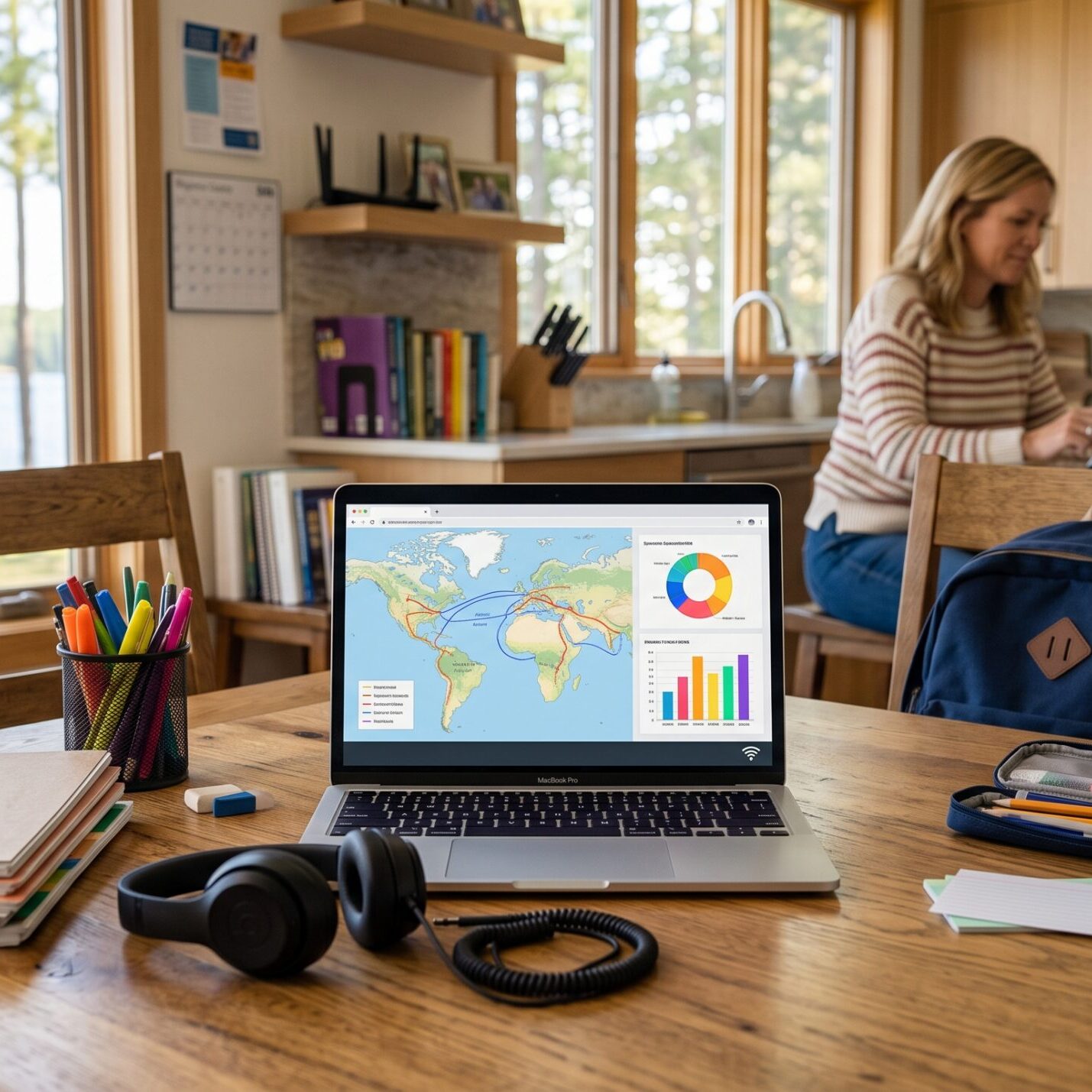
A reliable home internet connection helps Northern Michigan students stay connected for homework, research, virtual learning tools, and everyday online activities throughout the school year.
1. Test Your Connection Speed With This Back-to-School Internet Checklist
Summer internet usage often looks very different than the school year. Once classes begin, households may suddenly have multiple students attending online sessions, submitting assignments, streaming educational videos, and using cloud-based learning tools.
Run a speed test from several areas of your home to see how your connection is performing.
Watch for these warning signs:
- Slow file uploads
- Video calls freezing or buffering
- Long loading times for educational websites
- Multiple devices slowing each other down
If your household’s needs have changed since last school year, it may be worth reviewing whether your current internet plan is still the best fit.
2. Check Wi-Fi Coverage Throughout Your Home
One of the most common issues we hear about isn’t internet speed. It’s Wi-Fi coverage.
A fast connection can’t help much if the signal doesn’t reach bedrooms, study areas, or upstairs spaces where students do their schoolwork.
Test Wi-Fi in these locations:
- Children’s bedrooms
- Home offices
- Basements
- Bonus rooms
- Outdoor study spaces
Older homes throughout Northern Michigan often have thick walls, multiple additions, or layouts that can weaken wireless signals.
If you need better coverage, we offer TotalCONNECT which provides additional routers.
If you discover weak areas, consider:
- Moving the router to a more central location
- Elevating networking equipment off the floor
- Adding additional eero coverage if needed
- Reducing interference from other electronics

Strong Wi-Fi coverage helps students stay connected no matter where they study.
3. Use the eero App to Complete Your Back-to-School Internet Checklist
If your family uses an eero mesh Wi-Fi system, one of the most important steps in your Back-to-School Internet Checklist is reviewing your network in the eero app.
Before the school year begins:
- Confirm all eero devices are online
- Review connected devices
- Remove old or unused devices
- Verify automatic software updates are enabled
- Test Wi-Fi coverage in study areas
- Check performance in bedrooms, offices, and basements
The eero app makes it easy to identify weak coverage areas and ensure students have reliable internet wherever they learn.
4. Organize Study Spaces Around Strong Wi-Fi
A dedicated homework station can improve both productivity and internet performance.
Back-to-school setup tips:
- Position desks within strong Wi-Fi coverage
- Avoid placing devices behind large furniture
- Keep laptops and tablets charged
- Use wired Ethernet connections when possible
For students working on video projects or participating in virtual classes, a direct Ethernet connection can provide the most reliable experience.
5. Review Devices Connected to Your Network
The average home now has dozens of internet-connected devices.
Common connected devices include:
- Smart TVs
- Streaming devices
- Gaming consoles
- Security cameras
- Smart speakers
- Smart thermostats
- Video doorbells
Each device consumes network resources. Take inventory before school starts and disconnect devices that are no longer being used.
6. Improve Online Security Before School Starts
A Back-to-School Internet Checklist should always include network security.
Security basics for the school year:
- Create a strong Wi-Fi password
- Avoid sharing passwords widely
- Enable two-factor authentication
- Keep devices updated
- Review parental control settings
Strong digital habits help keep students safer while learning online.
7. Set Up Parental Controls
Many modern devices and networking platforms include parental control tools.
Benefits of parental controls:
- Manage screen time
- Filter inappropriate websites
- Schedule internet access
- Monitor connected devices
These features can help students stay focused during homework hours while encouraging healthy technology habits.
8. Prepare Devices for Online Learning
Educational technology remains a major part of today’s classroom experience.
Before assignments start piling up, test:
- Webcams
- Microphones
- Headphones
- School learning platforms
- Video conferencing software
A few minutes of testing now can prevent headaches later.
9. Create a Family Internet Usage Plan
The busiest internet usage period often happens between 3 p.m. and 9 p.m. when homework, streaming, gaming, and remote work all overlap.
Consider setting expectations for:
- Homework-first internet usage
- Screen time limits
- Gaming schedules
- Streaming during peak usage hours
A simple household plan can help everyone enjoy a better online experience.
10. Plan Ahead for Future Internet Needs
Technology requirements continue to grow every year. Educational tools, cloud storage, video content, and connected devices all require dependable internet access.
A connection that felt sufficient a few years ago may feel stretched today, especially in homes with multiple students and dozens of connected devices.
Future-ready internet can help families adapt as technology continues to evolve.
Looking for faster connectivity? Explore our Home Fiber Internet services.
Give Your Home Network an A+ This School Year
A Back-to-School Internet Checklist is one of the easiest ways to prepare your household for a successful school year.
By checking your speed, testing Wi-Fi coverage, reviewing your eero network, securing your devices, and creating healthy online habits, you can help students stay connected and productive throughout the year.
At Lakeshore Fiber, we’re proud to help families throughout Alpena and Northern Michigan stay connected with reliable fiber internet and whole-home Wi-Fi solutions designed for today’s connected households.